
Imagine being three hours into a long five-hour drive to visit your family for the holidays. Suddenly, your daughter asks, "Can I use your work laptop to play Roblox?" This isn't just any laptop—it's your work machine, packed with client files, sensitive financial data, and full access to your entire business. You're tired from packing, still have three hours ahead, and honestly, letting her play could keep her entertained and make the trip smoother. But is it really harmless?
Holiday travel brings unique security risks you don't face during your usual routine. You're often distracted, fatigued, connecting to unfamiliar WiFi networks, and blending family time with "just quick" work checks. Whether traveling for business, pleasure, or both, here's how to safeguard your data without spoiling the holiday spirit.
Pre-Trip Essentials: 15 Minutes to Secure Your Devices
Spend just 15 minutes before you hit the road to ensure your devices and data are well protected:
Device Basics:
- Install all pending security updates immediately
- Back up your crucial files to the cloud
- Activate automatic screen lock with a timeout no longer than two minutes
- Enable "Find My Device" services on all phones and laptops
- Fully charge your portable power bank for emergencies
- Pack your own chargers, cables, and adapters—don't rely on hotel supplies
Family Communication:
- Clarify which devices are safe for kids and which are off-limits
- Provide a family tablet or secondary device strictly for their entertainment
- Consider setting up a separate, restricted user account on your laptop if kids absolutely must use it
Pro tip: If kids need screen time during the trip, bring a tablet exclusively for their use that's not connected to any work accounts. Investing around $150 could save you from a costly data breach.
Hotel WiFi: Why It's Riskier Than You Think
Once you've checked into the hotel, everyone rushes to connect their phones, tablets, laptops, and gaming devices to the hotel's WiFi. Your teen streams Netflix, your spouse checks email, and you scramble to review that important work proposal before tomorrow's meeting.
The catch? Hotel WiFi is a shared network, often accessed by hundreds of guests—some with less-than-honest intentions.
Example: A family connected to a WiFi network that looked like their hotel's but was actually a fraudulent connection set up nearby. For two days, every online action—passwords, credit card info, emails—was intercepted.
How to Protect Yourself:
Confirm the exact network name at the front desk. Don't guess or connect to unfamiliar networks.
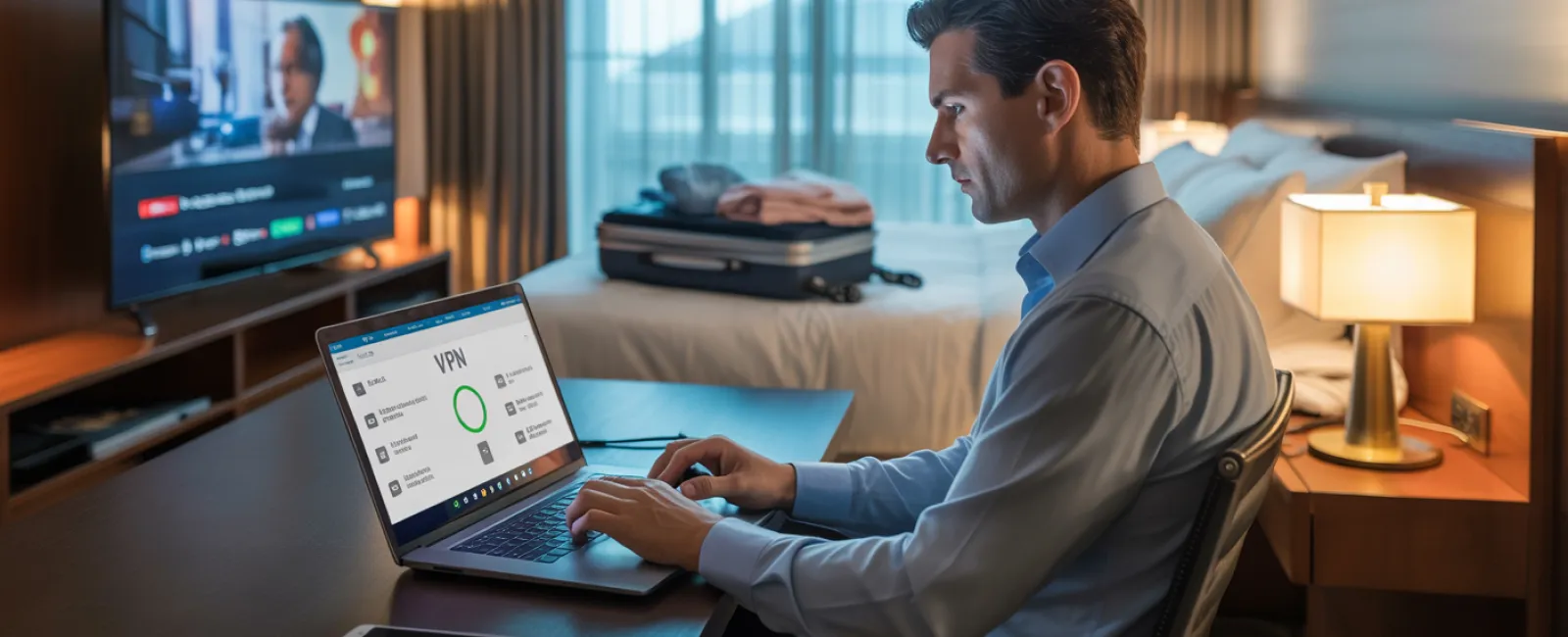
Use a VPN for all work-related activities to encrypt your connection and keep company data safe.
Reserve sensitive tasks for your phone's mobile hotspot, bypassing hotel WiFi entirely when dealing with banking, client data, or confidential info.
Keep family entertainment and work separate. Kids streaming cartoons on hotel WiFi is fine, but protect work access by using your secure hotspot.
When Your Child Asks, "Can I Use Your Laptop?"
Your work laptop contains everything important: emails, bank info, client files, and business software. Meanwhile, kids just want to watch videos, play games, or chat online.
Why this poses a risk: Kids can inadvertently download malware, interact with unsafe pop-ups, share sensitive passwords, or forget to log out. It's innocent behavior but can jeopardize your work device's security.
Recommended Approach:
Politely but firmly say no to kids using work devices. Offer them an alternative device and stick to the rule.
If sharing is unavoidable:
- Set up a separate user account with limited access
- Supervise their activity carefully
- Disable downloads
- Never save passwords on the device
- Clear browsing history immediately after use
Better yet: Bring along a dedicated travel device just for family use—a spare tablet or older laptop unconnected to work accounts.
Streaming on Hotel TVs: Don't Forget to Log Out
The family wants to watch Netflix in the hotel room, so someone logs into your streaming account on the smart TV. You check out the next day but forget to log out.
The risk: The next guest gains access to your account. And if you reused passwords across multiple sites (hope you didn't), your other accounts could also be vulnerable.
How to Avoid This:
- Use your own device to cast content to the TV—much safer
- If logging into the TV is necessary, set a phone reminder to log out before checkout
- Even better: Download favorite shows before you travel so you can watch offline and bypass hotel TVs completely
Avoid logging into these on hotel TVs at all costs:
- Banking apps
- Work email and platforms
- Personal email
- Social media accounts
- Any platform saving payment information
Lost a Device on the Road? Act Fast
Travel chaos often leads to lost devices—forgotten in restaurants, hotel rooms, rental cars, or airport checkpoints. If your device disappears:
Within the First Hour:
- Immediately use "Find My Device" features to locate it
- If recovery isn't possible, remotely lock the device
- Change passwords for all critical accounts from a secure device
- Notify your IT support or managed service provider to revoke access
- If sensitive data was stored, inform affected clients or partners promptly
Devices should have these protections in place BEFORE travel:
- Remote tracking enabled
- Strong, unique passwords
- Automatic data encryption active
- Remote wipe capabilities configured
Device lost by a family member? Apply the same quick response steps: lock, locate, change passwords.
Beware the Rental Car Data Trap
When you pair your phone with a rental car's Bluetooth to enjoy music or navigation, the car may save your contacts, call history, and even text previews.
Most rental agencies don't erase this data between customers, so the next driver could access your private info.
Quick 30-Second Checklist Before Returning a Rental Car:
- Delete your phone from the vehicle's Bluetooth device list
- Clear recent navigation destinations in the GPS system
- Or better yet, avoid connecting by using an aux cable or offline options
Setting Boundaries During a "Working Vacation"
You said this trip was family time, but you've already checked email dozens of times, attended multiple quick calls, and spent hours on your laptop while the family enjoys activities.
Constantly toggling between work and vacation lessens your security awareness—you're more likely to rush, click suspicious links, or connect to unsafe networks.
Here's the reality: If unplugging completely isn't an option, set clear rules:
- Limit work email checks to twice a day at designated times
- Always use your phone's hotspot, not public WiFi, for work-related tasks
- Conduct work in private spaces like your hotel room, away from public view
- Be fully present with your family instead of multitasking
Best advice: Take real time off. Your business can survive a week without you, and you'll return more alert and secure.
The Holiday Travel Security Mindset
Let's face it: juggling work and family during holiday trips is challenging. Sometimes your child genuinely needs your laptop, or you have to reply to urgent emails while your spouse drives.
The aim isn't perfect protection but thoughtful risk management:
- Prepare your devices and accounts before leaving
- Know which activities carry high risk (e.g., hotel WiFi for banking) and which are safer (e.g., using your hotspot for emails)
- Separate work and family activities with clear boundaries
- Plan for potential mishaps in advance
- Stand firm on rules like "No work on this device"—and enforce them
Create Holiday Memories You'll Cherish, Not Regret
The holidays should be about joyful moments with loved ones, not the stress of a data breach or damage control for compromised client information.
With a little preparation and simple rules, you can keep your business secure and your family happy. That way, everyone wins: your business stays protected, and your family enjoys the holiday season worry-free.
Need guidance designing travel security policies for your team and yourself? Click here or call us at 702-896-7207 to schedule a free 15-Minute Discovery Call. We'll help you develop effective security strategies that make traveling safer without the hassle.
Because the best holiday story shouldn't be "Remember when Dad's laptop got hacked?"